
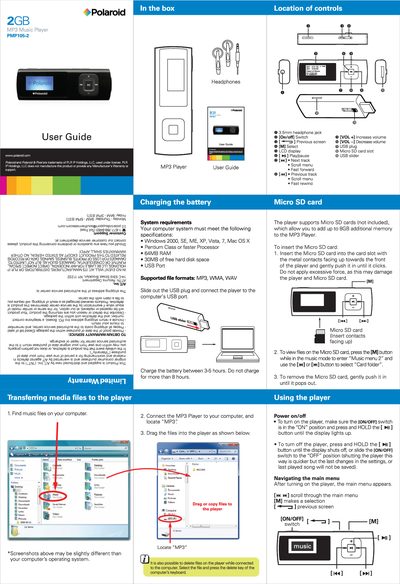
This guide provides step‑by‑step instructions for transferring music files, using the player’s controls, and managing radio stations and voice memos. It also includes system requirements, battery charging instructions, and environmental disposal information.
The manual covers menu navigation, Micro SD card handling, equalizer settings, and FCC compliance, helping users get the most out of their Polaroid PMP105-2 MP3 player.
| Supported operating systems | Windows 2000, SE, ME, XP, Vista, 7, Mac OS X |
|---|---|
| Minimum RAM | 64 MB |
| Free hard‑disk space required | 30 MB |
| Supported file formats | MP3, WMA, WAV |
| Micro SD card capacity | Up to 8 GB additional memory |
| Battery charge time | 3–5 hours (max 8 hours) |
Connect the player to a computer via the USB plug, locate the “MP3” folder, and drag or copy the music files into the player.
Press the [M] button, select “Delete” or “Delete all” from the radio mode menu, and confirm the selection.