
Key facts
- Brand
- Polaroid
- Model
- PMP150
- Documents
- 2
- Languages
- EN
- Last added
- 2012-03-23
Start here
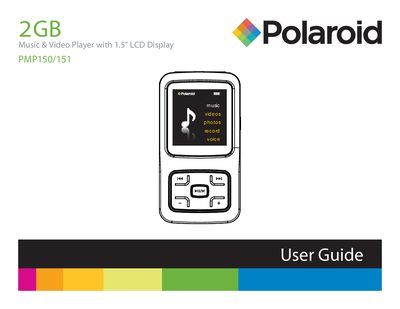
Polaroid PMP150/151 MP4 Quick Start Guide
The Polaroid PMP150/151 MP4 is a portable music and video player with a 1.5" LCD display, 2 GB internal memory, headphone jack, microphone and rechargeable Li‑ion battery. This guide explains how to turn the device on and off, select menu items, play/pause media, adjust volume, lock/unlock buttons and reset the player.
It also covers connecting the player to a Windows PC via the supplied USB 2.0 cable for file transfer, safely removing the device, charging the battery, and warranty service information.
Polaroid PMP150 specifications
| Display | 1.5 in LCD |
|---|---|
| Headphone jacks | 3.5 mm dual |
| Microphone | Built‑in |
| USB port | Standard USB |
| Battery charging time | 3–5 hours (max 8 hours) |
| Initial charge recommendation | At least 8 hours before first use |
Source: Polaroid PMP150FM-4 Music & Video Player User Manual
All Polaroid PMP150 documents by type
The shortest path to a working setup, usually only a few pages.
Day-to-day operation, settings and troubleshooting. Start here if the product is already set up.
Questions answered in these manuals
How do I turn the player on?
Make sure the ON/OFF switch is set to ON and press and hold the MAIN button until the display lights up.
From: Polaroid PMP150FM-4 Music & Video Player User Manual
How long should I charge the battery before first use?
Charge the player for at least 8 hours before using it for the first time.
From: Polaroid PMP150FM-4 Music & Video Player User Manual