
This user guide introduces the features and usage of Polaroid t1242 digital camera.
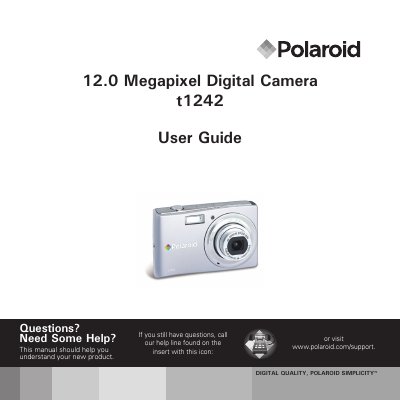
This user guide walks you through the Polaroid t1242 digital camera, covering safety precautions, battery handling, and basic camera features. It explains how to attach accessories, insert batteries and memory cards, and configure initial settings such as language and date.
The manual also details how to use the LCD screen, capture photos, videos, and voice memos, manage playback, and connect the camera to a TV, PC, or printer. A full specifications table and default camera settings are included, along with troubleshooting tips and contact information for further help.
| Sensor | SHARP 12M 1/2.3" |
|---|---|
| Lens focal length | 5.05 mm (wide) – 20.2 mm (tele) |
| Optical zoom | 4× optical zoom |
| Digital zoom | 5× digital zoom |
| LCD display | 2.7" color LCD |
| Photo resolution | 12 MP (4000 × 3000) |
| Video resolution | 1280 × 720 (16:9) |
| Still image file format | EXIF 2.2 JPEG |
| Video file format | AVI (MJPEG) |
| Audio file format | WAV |
Turn off the camera before installing or removing the battery.
Use the TV out connection as described in the "Connecting the Camera to a TV" section.
The camera supports SD cards up to 4 GB and SDHC cards up to 32 GB.
Select Setting Language in the Setup Menu to change the language.