
This is a user manual of Polaroid 12.0 Megapixel Digital Camera t1234
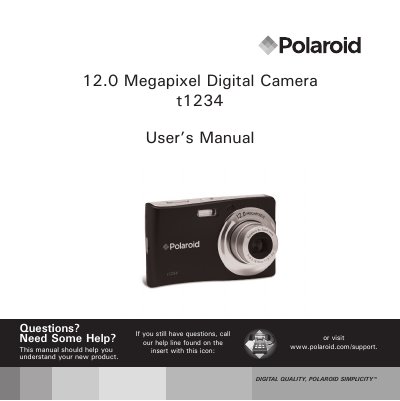
This manual introduces the Polaroid t1234 digital camera and covers safety and handling precautions, battery installation, memory‑card insertion, power‑on procedures, and basic navigation of the LCD menu. It also explains how to attach the wrist strap, set language and date, and use the primary shooting modes.
Later sections describe advanced functions such as flash, macro, scene modes, video recording, playback options, setup menu settings, software installation, and connections to a TV or computer. The document finishes with a full specifications list, default camera settings, and a troubleshooting guide.
| Sensor resolution | 12 Megapixels |
|---|---|
| Optical zoom | 3× |
| LCD monitor size | 3.0 inch color LTPS LCD |
| Internal memory | 32 MB |
| Dimensions | 95.5 × 58.5 × 18.9 mm |
| Weight | 130 g |
Turn off the camera before installing or removing the battery and use only the provided Li‑ion battery.
The default still‑image resolution is 12 MP (4000 × 3000).