
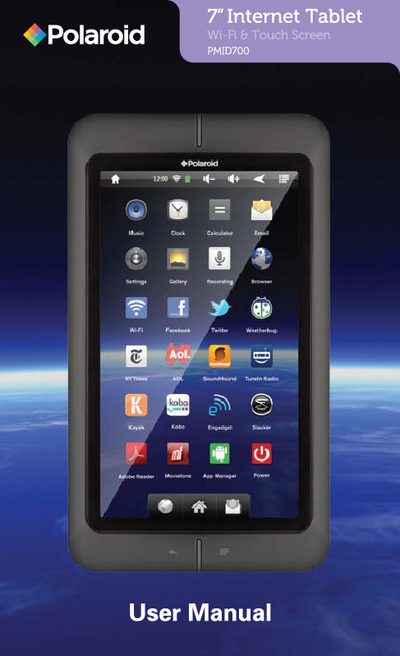
This manual explains the Polaroid PMID700 tablet’s controls, basic operation, and how to charge the device. It includes instructions for inserting a Micro SD card, connecting USB storage, and using power and silent modes.
Additional sections cover legal FCC compliance, environmental disposal guidance, and the limited one‑year warranty with service instructions.
| Screen size | 6.7" touchscreen |
|---|---|
| Micro SD capacity | up to 32 GB |
| Music playback time | up to 10 hours |
| Charging indicator | red light while charging |
Press and hold the power button until the lock screen appears.
Connect the tablet to a wall outlet using the included AC adapter; the indicator turns red while charging.
Turn off the tablet, insert the card into the slot until it clicks, then use the Explorer app to access it.
Insert the USB stick adapter into the tablet’s USB port, then plug the USB stick into the adapter.