
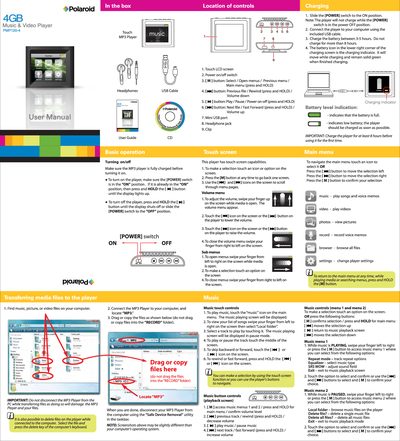
This manual covers the basic operation of the Polaroid PMP 120-4 MP4 player, a 4 GB touch‑screen music, video and photo device. It explains how to charge the battery, turn the unit on and off, connect it to a computer via the mini‑USB port, and transfer or delete files.
Detailed instructions are provided for using the touch screen to play music, videos, view photos, record voice memos, adjust volume, navigate menus, and change settings. The troubleshooting section lists common problems such as power issues, file transfer failures, and audio problems, along with simple checks and solutions.
| Battery charging time | 3‑5 hours (initial charge at least 8 hours) |
|---|---|
| Screen type | Touch LCD screen |
| Power switch | ON/OFF slide switch |
| Connectivity | Mini USB port |
Make sure the [POWER] switch is in the ON position, then press and hold the power button until the display lights up.
Charge the player for at least 8 hours before using it for the first time.
Connect the player to a computer, open the “MP3” folder, right‑click the file and choose Delete, or use the player’s Delete file option in the menu.
Check that the battery is charged and the [POWER] switch is set to ON; recharge the battery if it is exhausted.