
This is an MP3 player with 2GB internal memory, high resolution 1.5-inch LCD display, and supports storing and playing music, video, and pictures, as well as digital voice recording.
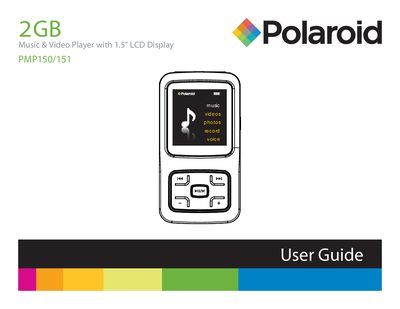
The Polaroid PMP150/151 MP4 is a portable music and video player with a 1.5" LCD display, 2 GB internal memory, headphone jack, microphone and rechargeable Li‑ion battery. This guide explains how to turn the device on and off, select menu items, play/pause media, adjust volume, lock/unlock buttons and reset the player.
It also covers connecting the player to a Windows PC via the supplied USB 2.0 cable for file transfer, safely removing the device, charging the battery, and warranty service information.