
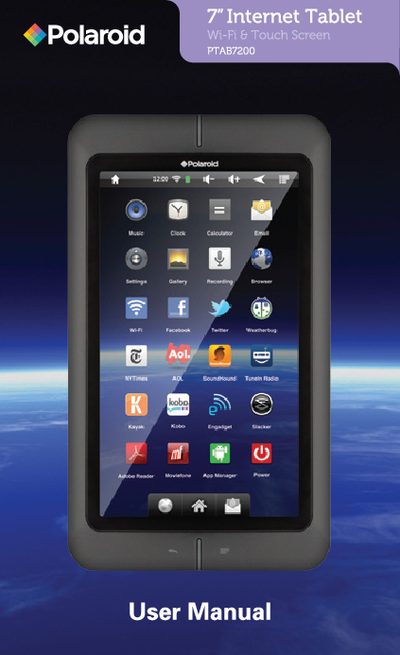
This manual describes the Polaroid PTAB7200 tablet, a 6.7" touch‑screen device with built‑in speaker, headphone jack, AC‑adapter port and USB port. It explains how to power the tablet on and off, navigate the home screen, and adjust settings such as brightness and silent mode.
The guide also covers accessories and storage options, including inserting a micro‑SD card (up to 32 GB) and connecting a USB stick via the provided adapter. Battery charging procedures, estimated play times, and warranty service details are provided at the end of the document.
| Screen size | 6.7" touch screen |
|---|---|
| Music playback time | up to 10 hours |
| Video playback time | 4.5 – 5 hours |
| Micro SD card capacity | up to 32 GB |
| Charging time | approximately 5 hours |
Press and hold the power button until the lock screen appears, then slide the lock icon to the right.
The tablet can play music for up to 10 hours when Wi‑Fi and the backlight are off.