
This document is an installation and user manual for an LCD monitor, which includes information on installation steps, display controls, and technical specifications.
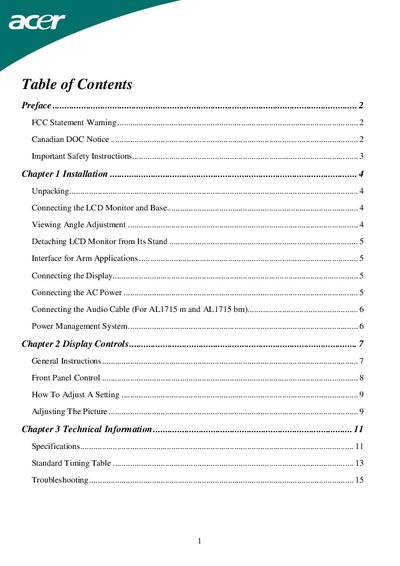
This manual provides step‑by‑step instructions for unpacking, installing, and connecting the ALI715 LCD monitor, including power, video, and audio cabling. It also covers display adjustments such as viewing angle, picture settings, and power‑saving modes.
Additional sections describe safety precautions, technical specifications, and troubleshooting tips for common issues like unclear images or no picture, with guidance on adjusting OSD settings and selecting supported VGA timings.
| Viewing angle range | -5° to +15° |
|---|---|
| Maximum power cord current | 6 A |
| Operating temperature range | -20 °C to 60 °C |
| Supported VGA timings | Multiple modes listed in Standard Timing Table |
Power off the monitor, unplug the AC cord, spray a non‑solvent cleaning solution onto a rag, and gently wipe the screen.
Tilt the monitor within the range of -5° to +15° as shown in the viewing angle adjustment section.