
This document provides precautions for the installation, use, and maintenance of LCD monitors, including avoiding overheating, ensuring ventilation, preventing scratches, and proper cleaning.
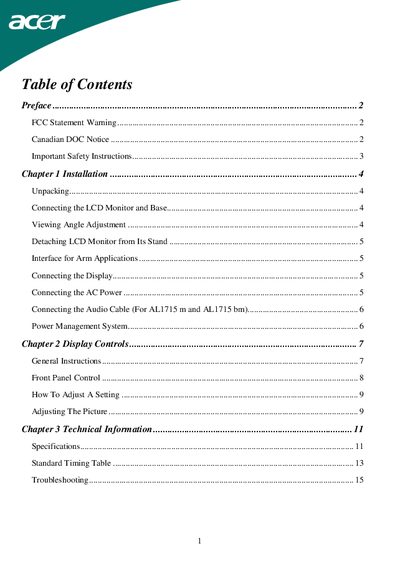
This manual provides step‑by‑step instructions for unpacking, installing, and connecting the Acer LCD monitor, including power, video, and audio cabling. It also covers safety precautions, viewing‑angle adjustment, and VESA mounting details.
Additional sections describe front‑panel controls, power‑management features, technical specifications, and troubleshooting tips for common display issues such as unclear pictures or no signal.
| Viewing angle adjustment range | -5° to +15° |
|---|---|
| Nominal power‑cord current | up to 6 A |
| Operating temperature range | -20 °C to 60 °C |
| VESA mounting holes | four 4 mm, 0.7 mm pitch threaded nuts |
| Supported VGA modes | Multiple modes listed in the Standard Timing Table |
Power off the monitor, unplug the AC cord, spray a non‑solvent cleaning solution onto a rag, and gently wipe the screen with the dampened rag.
Rotate the monitor within the -5° to +15° range; do not force it beyond these limits to avoid damage.