
Safe use instructions for SyncMaster 275T.
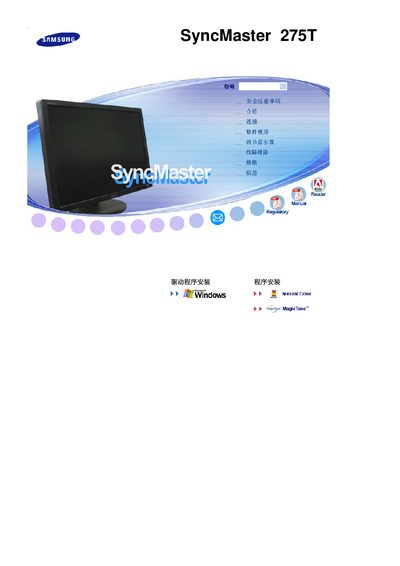
This manual covers important safety precautions, including grounding, avoiding liquid exposure, and keeping the monitor away from heat sources. It also explains how to properly install the monitor, connect power and video cables, and adjust settings for optimal picture quality.
The guide includes troubleshooting tips, specifications such as resolution, refresh rate, and pixel count, and contact information for regional service centers. Following the instructions helps ensure reliable performance and longevity of the SyncMaster 275T display. This manual is written in Japanese.
| Screen Size | 27 inches (68 cm) |
|---|---|
| Resolution | 1920 x 1200 |
| Refresh Rate | 60 Hz |
| Panel Type | TFT‑LCD |
| Pixel Count | 6,912,000 |
The monitor’s native resolution is 1920 × 1200 pixels.
It supports a refresh rate of 60 Hz.
The monitor uses a TFT‑LCD panel.
The screen contains 6,912,000 pixels.