
Colorful C.NF400G motherboard user manual, which introduces the specifications, hardware settings, BIOS settings, etc. of the motherboard.
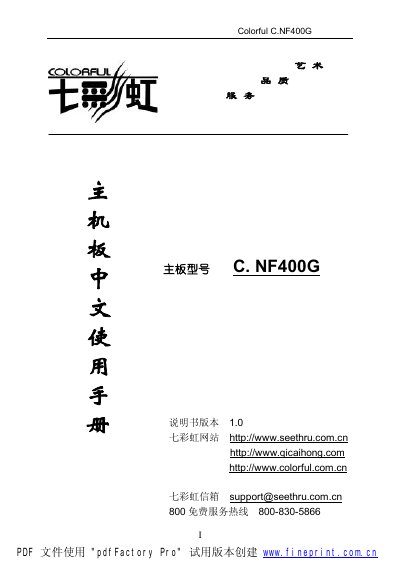
The Colorful C.NF400G is a Micro‑ATX motherboard that supports AMD Socket 462 Pin Athlon XP and Duron processors, DDR200/266/333 memory, and features an nVidia nForce2 IGP chipset with AGP 8X, PCI, IDE and USB interfaces. It includes an integrated Realtek ALC650E AC’97 audio codec, RJ45 LAN, and optional FireWire.
This manual covers the motherboard’s specifications, hardware installation steps, BIOS and CMOS settings, driver installation, and troubleshooting. It also provides detailed diagrams of the board layout, jumper configurations, and a glossary of technical terms. This manual is written in Chinese.
| CPU socket | AMD Socket 462 Pin |
|---|---|
| Supported processors | AMD Athlon XP and Duron |
| Memory type | DDR200/266/333 |
| DIMM slots | 2 |
| Maximum memory capacity | 2 GB |
| AGP version | AGP 8X |
| IDE interfaces | 2 |
| USB ports | 6 (USB 2.0) |
| PCI slots | 3 |
| Audio codec | Realtek ALC650E AC’97 |
| RJ45 LAN port | 1 |
| FireWire (IEEE 1394) interface | Optional |
It provides two 184‑pin DIMM slots that support up to 2 GB of DDR333 memory.
The board supports AMD Athlon XP and Duron processors that use the Socket 462 Pin interface.
There are six USB 2.0 ports (two built‑in and four via cable connectors).
Run the BIOS upgrade utility, ensure the BIOS write‑protect jumper is set to writable, disable the BIOS Guardian, and follow the on‑screen prompts to complete the update.