
This document introduces how to solve the paper jam problem of color laser printer
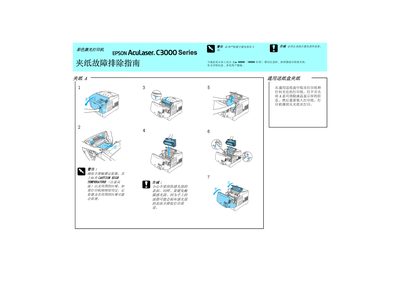
This service manual for the Epson AcuLaser C3000 color laser printer explains how to identify and clear paper jams. It includes safety precautions and detailed procedures for removing jammed paper from the printer's internal path.
After the jam is cleared, the manual guides the user through re‑installing the paper tray and other components to resume normal printing. The instructions are presented in Japanese with clear diagrams and stepwise text. This manual is written in Japanese.
| Model | C3000 |
|---|
Reinstall the paper tray and other components before restarting the printer.