
This is a quick start guide for the HP WorkForce 610 series printer, which introduces how to use the printer to copy, scan and fax
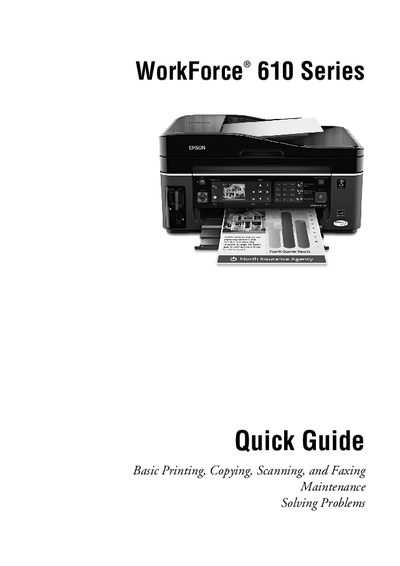
This Quick Guide introduces the basic functions of the Epson WorkForce 610 all‑in‑one printer, covering printing, copying, scanning, and faxing operations. It also includes sections on adjusting the control panel, loading paper, using special papers, and routine maintenance.
The guide explains how to load up to 100 sheets of plain paper, select paper types, turn off the button‑press beep, and replace ink cartridges. It offers troubleshooting steps, error indicator explanations, and information on where to obtain genuine Epson supplies and support.
| Maximum plain paper capacity | 100 sheets |
|---|---|
| Maximum Epson Bright White Paper capacity | 80 sheets |
The printer can hold up to 100 sheets of plain paper.
Genuine Epson ink and paper are available at Epson Supplies Central (www.epson.com/ink3) or through authorized resellers.