
This is a user manual for the Epson WorkForce 500 Series all-in-one printer. This manual introduces how to load paper, use special papers, place originals for copying, scanning, or faxing, copy a document or photo, fax a document or photo, and print from your camera's memory card.
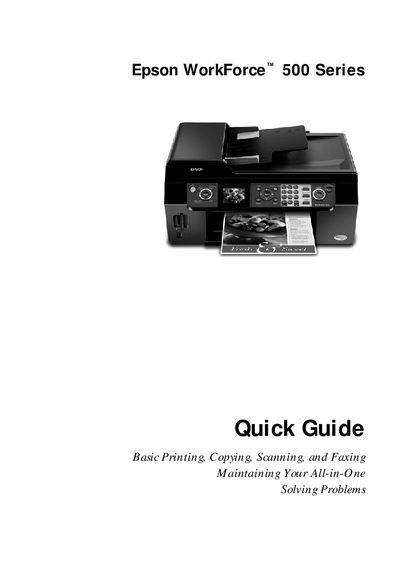
The Epson WorkForce 500 Series Quick Guide provides concise instructions for everyday tasks such as loading paper, using special media, copying, scanning, and faxing. It also includes basic maintenance steps and troubleshooting tips to keep the all‑in‑one running smoothly.
Key sections cover paper loading capacities, proper paper orientation, using the automatic document feeder, and where to obtain genuine Epson supplies. The guide is organized for quick reference, making it easy to find the information you need.
| Plain paper capacity | up to 80 sheets |
|---|---|
| Presentation paper capacity | up to 100 sheets |
| ADF letter‑size capacity | up to 30 sheets |
| ADF legal‑size capacity | up to 10 sheets |
The ADF can hold up to 30 letter‑size sheets or up to 10 legal‑size sheets.
Load paper short‑edge first, slide the edge guide against the paper, and always load short edge first even for landscape printing.