
This document is a basic guide for copying, printing, and scanning. It covers topics such as loading paper, using special papers, copying photos or documents, printing from memory cards, cameras or other devices, and scanning photos or documents. The product featured in this document is an all-in-one printer.
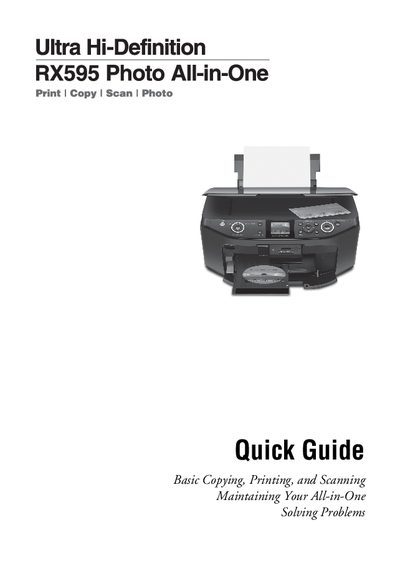
This Quick Guide provides step‑by‑step instructions for using the Epson Stylus Photo RX595 all‑in‑one printer. It covers loading paper, copying documents and photos, printing from memory cards or computers, scanning, routine maintenance, and troubleshooting.
The guide also includes FCC compliance information, copyright notices, and contact details for Epson supplies and support. It is intended for users who need fast reference to the most common functions without consulting the full user manual.
| Maximum plain paper capacity | 120 sheets |
|---|---|
| Supported paper types | Plain, matte, Epson Bright White, Epson Ultra Premium Photo, etc. |
The RX595 can hold up to 120 sheets of plain paper.
Genuine Epson ink and paper can be bought at Epson Supplies Central (www.epson.com/ink or www.epson.ca) or from an authorized Epson reseller.