
This document is the user manual of EPSON Perfection® 4990 Photo scanner, which introduces the basic operation methods and function introduction of the scanner
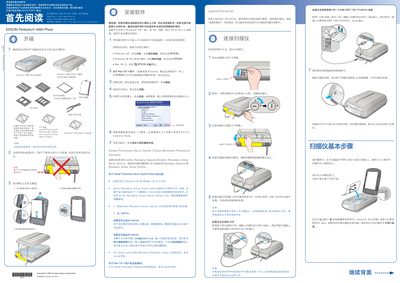
This manual explains how to install the scanner software from the supplied CD, connect the device via high‑speed USB or IEEE‑1394 (FireWire), and operate the scanner for photos and 35 mm film. It also includes troubleshooting tips and safety precautions for proper use.
Detailed sections cover software installation steps, connecting the scanner, using EPSON Scan with its three modes, scanning photos, scanning 35 mm film, and safety guidelines to prevent damage or injury. This manual is written in Chinese.