
Epson WorkForce 600 Series Quick Guide

This document is a quick guide for the Epson WorkForce 600 series, providing instructions on basic printing, copying, scanning, and faxing operations, as well as maintenance and troubleshooting.
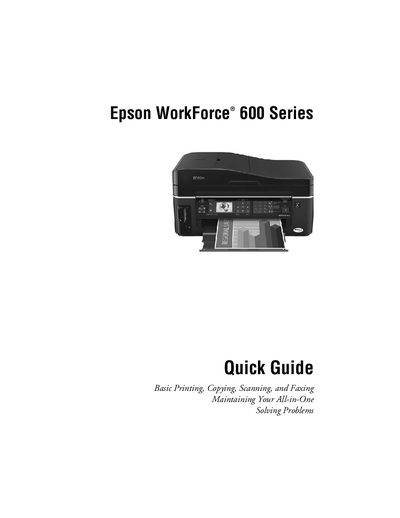

Epson WorkForce 600 Series Quick Guide - cover page
Brand
Epson
Category
Printer
Document type
Quick Start Guide
Language
English
Pages
56
File format
PDF
File size
2.1 MB
Published
28 March, 2012
Updated
29 September, 2023
MD5 checksum
85AA5A7DBFFA558BF4232F64BC20DE12

About this manual

This Quick Guide provides concise instructions for using the Epson WorkForce 600 Series all‑in‑one printer. It covers basic operations such as printing, copying, scanning, and faxing, as well as how to adjust the control panel and load various types of paper.

Additional sections explain how to maintain the printer, check ink cartridge status, replace cartridges, and resolve common problems. The guide also includes information on special paper types, paper capacities, and where to obtain genuine Epson supplies.

What's inside

  • Adjusting the Control Panel
  • Loading Paper
  • Using Special Papers
  • Placing Originals for Copying, Scanning, or Faxing
  • Maintaining Your All-in-One
  • Solving Problems
  • Printing From a Camera’s Memory Card
  • Printing From a Computer
  • Selecting the Correct Paper Type
  • Scanning a Document or Photo
Download PDF (2.1 MB)

More Epson Manuals


View all Epson manuals →