
This document is a quick guide for the Epson WorkForce 310 Series, providing instructions for installation on a network, basic printing, copying, scanning, and faxing, as well as maintenance.
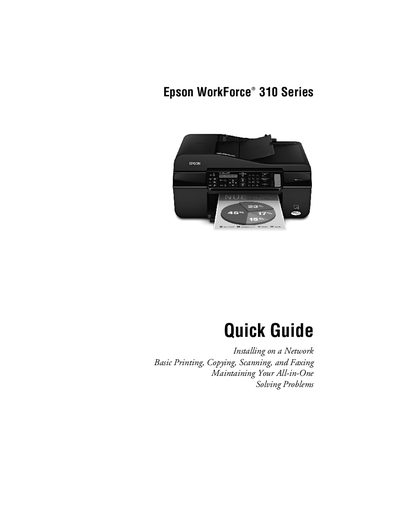
This Quick Guide walks you through the essential steps for installing the Epson WorkForce 310 Series on a network, loading paper, and using the printer’s copy, scan, and fax functions. It also includes basic troubleshooting and routine maintenance procedures.
The guide covers connecting the printer via Ethernet, installing the supplied software on Windows or Mac computers, selecting paper types, and performing routine tasks such as cleaning the print head and checking ink cartridge status.
Connect an Ethernet cable to the LAN (10/100) port on the printer and the other end to an available LAN port on your router, access point, or hub.
Insert the printer software CD, run SETUP.EXE when the AutoPlay window appears, follow the on‑screen prompts, and select the appropriate driver for network or USB connection.
Use the maintenance menu to check the print head nozzles and run the cleaning routine as described in the guide.
The guide points you to the "Where To Get Help" section and provides contact information for Epson support.