
This document describes the safety precautions for using SyncMaster 2032GW/2232GW and 2032BW/2232BW monitors.
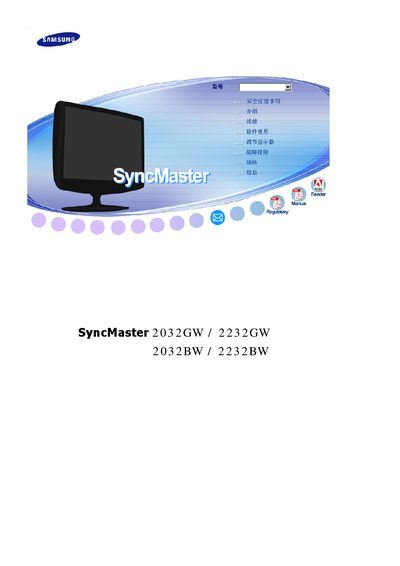
This manual provides safety warnings, installation instructions, cleaning guidelines, and maintenance procedures for Samsung SyncMaster 2032GW, 2232GW, 2032BW and 2232BW LCD monitors. It also includes recommendations to prevent image retention and detailed technical specifications.
Additional sections cover the MagicTune™ software, warranty information, and worldwide service contacts. All instructions are presented in Chinese and are intended for end‑users and service personnel. This manual is written in Chinese.
| Screen size (2032GW) | 20.0 inches (51 cm) diagonal |
|---|---|
| Screen size (2232GW) | 22.0 inches (55 cm) diagonal |
| Maximum resolution | 1680 × 1050 @ 60 Hz |
| Power consumption | AC 100‑240 V~, 50/60 Hz |
| Maximum pixel clock | 146 MHz |
Use a slightly damp soft‑fiber cloth and a recommended cleaning agent; never spray detergent directly onto the screen.