
This document is about the installation and usage instructions for the SyncMaster 225BW monitor. The document provides instructions on the precautions to be taken during installation, as incorrect usage may cause harm to humans and devices. It also discusses the installation environment requirements and precautions, such as avoiding high temperatures and excessive humidity. Additionally, the document provides recommendations for cleaning and maintaining the monitor.
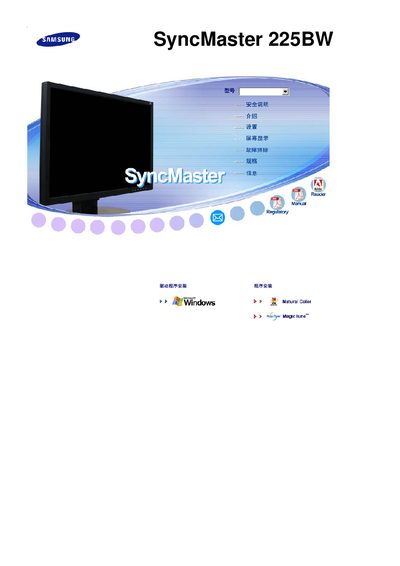
This manual covers the essential information needed to install and operate the Samsung SyncMaster 225BW LCD monitor, including safety warnings, regulatory compliance, and basic feature descriptions.
It also includes troubleshooting tips, maintenance procedures, and technical specifications such as the display resolution, helping users get the most out of their monitor.
| Resolution | 1280 x 1024 |
|---|
The monitor has a resolution of 1280 × 1024 pixels.
The SyncMaster 225BW is manufactured by Samsung.