
This document provides Samsung SyncMaster 245B / 245BW monitor installation guide, including connecting the monitor, unplugging the power cord, installing the monitor, etc.
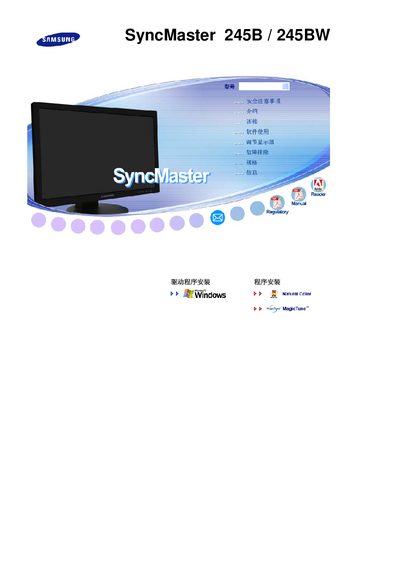
This manual covers safety warnings, proper installation, and recommended usage for the Samsung SyncMaster 245B/245BW LCD monitor. It includes instructions for mounting, VESA‑compatible brackets, and guidelines for operating the display in various environments.
Additional sections describe cleaning procedures, troubleshooting steps, power‑saving settings, and detailed technical specifications such as panel size, resolution, input options, and power consumption. The document also provides information on the MagicTune™ software and warranty terms. This manual is written in Chinese.
| Panel size | 24" (61 cm) diagonal |
|---|---|
| Resolution | 1920 × 1200 @ 60 Hz |
| Maximum resolution | 1920 × 1200 @ 60 Hz |
| Pixel pitch | 0.270 mm (horizontal & vertical) |
| Input signals | Analog RGB and DVI‑compatible Digital RGB |
| Power consumption | AC 100‑240 V, 60/50 Hz ± 3 Hz |
| Maximum image clock | 154 MHz |
| Tilt range | Front tilt up to 3°, rear tilt up to 25° |
Use a slightly damp soft‑fiber cloth to gently wipe the LCD surface; do not spray cleaning agents directly onto the screen.
The monitor can be tilted forward up to 3° and backward up to 25° for optimal viewing.
Enable the screen‑saver or power‑saving mode, and avoid displaying static images for prolonged periods.