
This document provides safety instructions for using the SyncMaster 225MS monitor, including installation, cleaning, and usage cautions
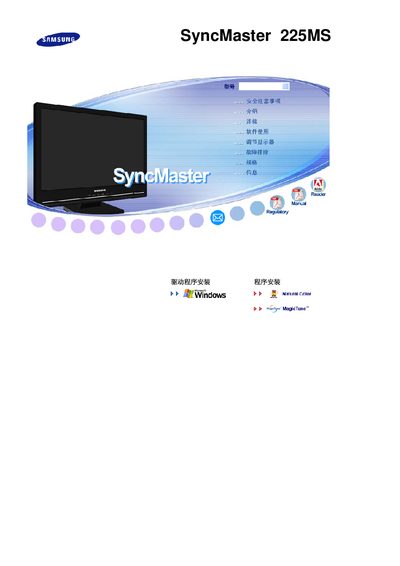
This manual begins with safety precautions, warning users to avoid touching the monitor with wet hands, ensure proper grounding, keep the unit away from flammable materials, and have qualified personnel perform installation. It also details proper handling, cleaning, and environmental conditions to prevent damage or fire hazards.
Subsequent sections cover installation procedures, basic operation of the TFT‑LCD display, adjustment of picture settings, and maintenance tips. Technical specifications such as native resolution, refresh rate, panel type and pixel count are listed, followed by regulatory compliance and warranty information. This manual is written in Japanese.
| Native resolution | 1680 x 1050 |
|---|---|
| Refresh rate | 60 Hz |
| Panel type | TFT‑LCD |
| Pixel count | 5,292,000 |
Do not touch the monitor with wet hands, ensure the unit is properly grounded, keep it away from flammable materials, and have qualified personnel perform installation.
The monitor’s native resolution is 1680 × 1050 pixels.