
This manual explains how to install the SyncMaster 225MD monitor and provides important safety information.
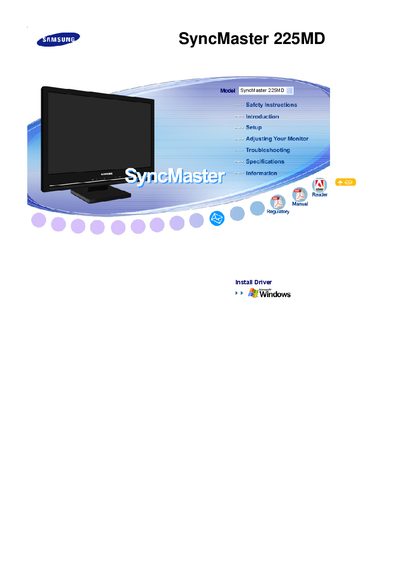
This manual covers safety precautions, proper installation, and cleaning guidelines for the Samsung SyncMaster 225MD monitor. It also explains how to adjust settings, avoid image retention, and maintain the device for reliable performance.
Additional sections include troubleshooting tips, specifications, and disposal instructions to ensure safe handling and compliance with environmental regulations.
| Screen size | 22 inch (55 cm) diagonal |
|---|---|
| Maximum resolution | 1680 x 1050 |
Set a screen saver or use changing video patterns, and avoid displaying a static image for long periods.
Immediately unplug the monitor and contact an authorized dealer or Service Center.
Wipe the screen with a slightly moistened soft cloth and avoid spraying water or detergent directly onto the monitor.