
This document summarizes the features and characteristics of a certain brand of liquid crystal display, including screen size, resolution, refresh rate, brightness, contrast, response time, interface, power supply, power consumption, etc.
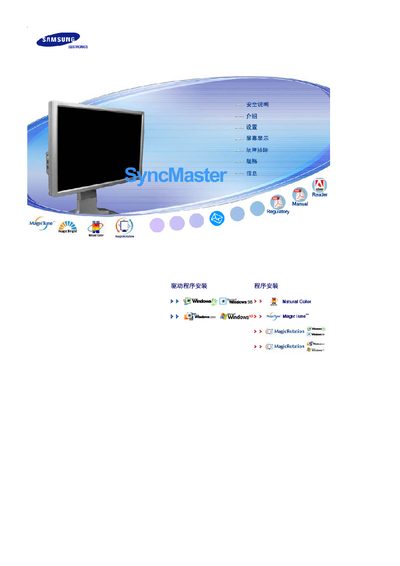
This manual provides safety guidelines and proper installation steps for Samsung SyncMaster LCD monitors, including power connection, wall‑mount mounting, and environmental requirements. It also covers cleaning procedures and cautions to prevent electric shock, fire, or damage to the display.
Additional sections explain how to avoid image retention (ghosting) by using screen‑saver settings, power‑off intervals, and appropriate color schemes, and it includes warranty information and contact instructions for service centers. This manual is written in Chinese.
| Screen size | 24 inches (61 cm) |
|---|---|
| Resolution | 1920 x 1200 @ 60 Hz |
Unplug the power cord, use a slightly damp soft cloth with mild detergent, and never spray liquid directly onto the screen.