
Samsung SyncMaster 205BW Monitor User Manual

This document provides safety instructions for using SyncMaster 205BW, including usage, installation, and maintenance.
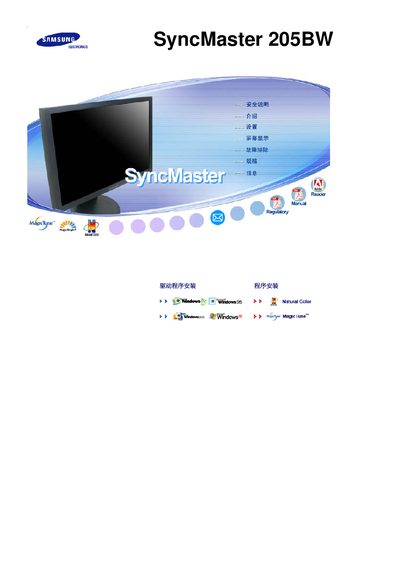

Samsung SyncMaster 205BW Monitor User Manual - cover page
Brand
Samsung
Category
Monitor
Document type
User Manual
Language
English
Pages
56
File format
PDF
File size
7.1 MB
Published
21 March, 2012
Updated
30 September, 2023
Model
205BW
MD5 checksum
E76CF4009C4041F8C0F18E0C092235E0

About this manual

This manual covers the Samsung SyncMaster 205BW LCD monitor, describing its features such as MagicTune technology and the 1680 × 1050 resolution display. It includes safety information, installation steps, and guidance for everyday use.

The document also provides troubleshooting tips, specifications, and reference tables to help users configure the monitor for optimal performance.

What's inside

  • SyncMaster 205BW Overview
  • MagicTune Features
  • LCD Panel Information
  • Installation Instructions
  • Troubleshooting

Specifications

Resolution1680 × 1050

Frequently asked questions

What is the native resolution of the SyncMaster 205BW?

The monitor’s native resolution is 1680 × 1050 pixels.

Download PDF (7.1 MB)

More Samsung Manuals


View all Samsung manuals →