
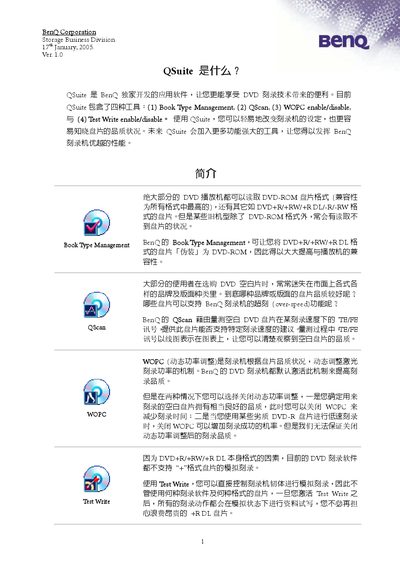
This manual explains how to install and use BenQ QSuite, a software suite that provides four tools – Book Type Management, QScan, WOPC (dynamic power control) and Test Write – to optimise DVD‑burning performance. It includes step‑by‑step instructions for installing the program, configuring each tool, and troubleshooting common issues.
The document also contains a FAQ section that answers questions about QScan disc‑quality evaluation, the default WOPC and Test Write settings, and compatibility with non‑BenQ burners. This manual is written in Chinese.
| Disc capacity (single‑layer DVD) | 4.7 GB |
|---|---|
| WOPC default setting | Enabled |
WOPC (Walking Optimal Power Control) is enabled by default on all BenQ DVD burners.
No. QScan is a BenQ‑exclusive application and will show an error if a different brand's burner is selected.