
This document is a quick start guide and user manual for the VP2202 color LCD TV. The quick start guide provides basic steps for installation and use of the TV, while the user manual provides detailed information on the features and functions of the TV and remote control, as well as how to connect to other devices. It also includes technical specifications and troubleshooting information.
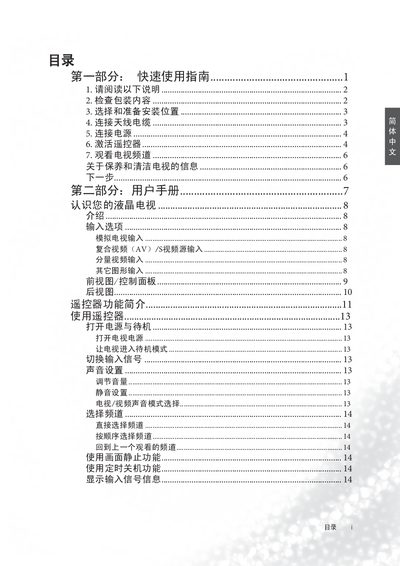
This guide provides fast‑track instructions for installing, powering on, and configuring the BenQ VP2202 color TV. It covers unpacking, connecting power and signal sources, activating the remote control, and basic operation such as channel selection and volume control.
The manual also includes safety warnings, cleaning recommendations, and a brief troubleshooting section to help resolve common picture or signal issues. This manual is written in Chinese.
| RoHS Compliance | Yes |
|---|
Connect the AC POWER IN cable from the TV’s rear power inlet to the supplied power source cable as illustrated in the manual.