
This document is a quick start guide and user manual for the BenQ V32L/VL3232 color LCD TV. It provides detailed instructions for installation, connection, and operation of the TV, as well as information on the features and functions of the TV and remote control. It also includes technical specifications and troubleshooting information for the product.
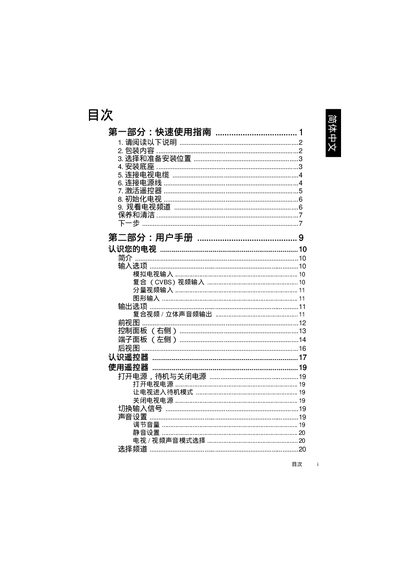
The guide begins with a Quick Use section that walks you through unpacking, selecting an installation location, mounting the base or wall bracket, connecting power and antenna cables, and activating the remote control. It also explains how to initialize the TV, perform an automatic channel scan, and adjust picture and sound settings.
The second part is a User Manual that details the TV’s input options (AV, component, HDMI, VGA, PC), menu navigation, custom picture modes, and troubleshooting tips for common issues such as no power, no picture, or remote‑control problems. This manual is written in Chinese.
Open the battery compartment, insert the supplied batteries with correct polarity, and close the cover; the remote will then work with the TV.