
This document is a quick start guide and user manual for BenQ VB3232/VB3732 color LCD TVs. The quick start guide provides instructions for installing and using the TV, while the user manual provides detailed descriptions of the features and functions of the TV and remote control, as well as methods for connecting to other devices.
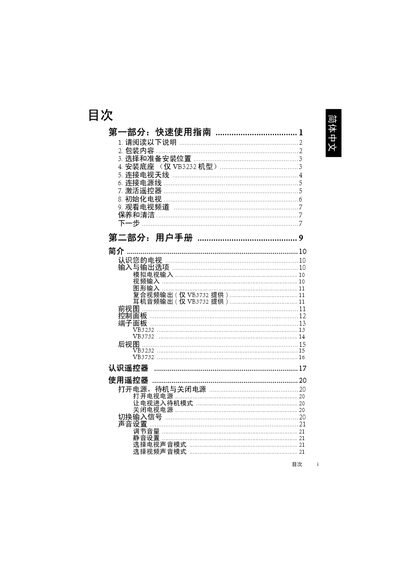
The guide walks you through unpacking, selecting a suitable installation location, assembling the base (VB3232 only), and connecting antenna, power, and video sources. It also covers initial TV setup, remote activation, and basic viewing functions.
Safety recommendations include keeping the TV away from water, heat sources, and ensuring proper ventilation. The manual also explains how to handle the remote control, battery replacement, and troubleshooting common issues such as remote failure or poor picture quality. This manual is written in Chinese.
| Earphone audio output | Only for VB3732 model |
|---|---|
| HDMI input | Supported |
| Composite video input | Supported |
Open the remote package, insert the batteries as shown, and press the power button to activate it.
Check that the battery polarity is correct, replace the batteries if they are depleted, and ensure the remote is pointed at the sensor window without obstacles.