
This document is a user guide for an LCD television, which provides instructions for installing and using the television, as well as information about the functions of the remote control. It also includes information about the connection options and menu settings of the LCD television.
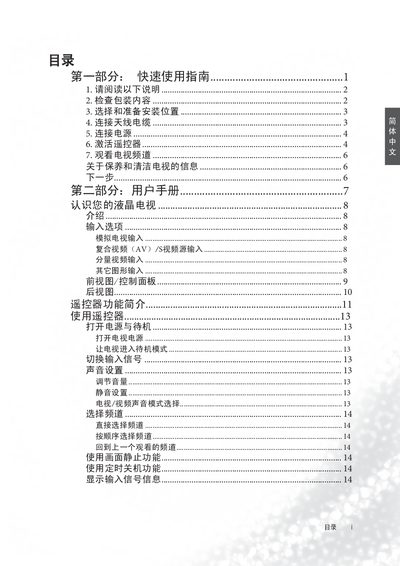
This guide provides the essential steps to install, power on, and operate the BenQ VP2212 TV. It covers unpacking, connecting power and video sources, remote‑control activation, and basic picture and sound settings.
Safety instructions, troubleshooting tips, and compliance information are also included to help users avoid common issues and ensure reliable performance. This manual is written in Chinese.
Insert the batteries from the package, pull the battery cover, and align the contacts as shown; the remote will then power on.
Do not place the TV on an uneven or unstable surface, keep it away from water, heat sources, and ensure proper ventilation.
Press the P or PA button for direct channel entry, or use the CH / CH+ buttons to step through channels.
Yes, the product complies with RoHS regulations.