
QVideo 2.0 is a DVD burning software from BenQ, which supports recording videos from DV and TV, and can burn the recorded videos to DVD discs.
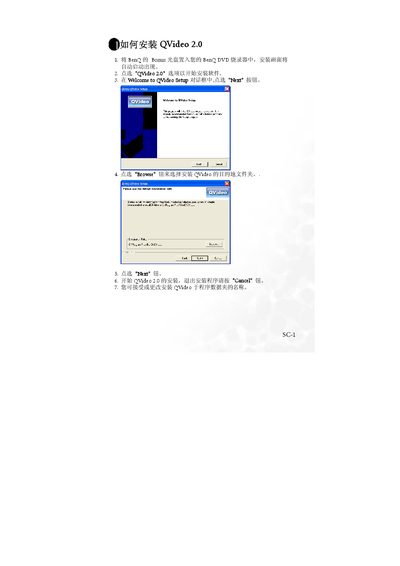
This guide walks you through installing QVideo 2.0 on a Windows PC, including selecting the installation folder, completing the setup wizard, and restarting the computer. It also explains how to uninstall the program via Windows Add/Remove Programs.
After installation, the guide details first‑time configuration such as TV‑tuner setup, region selection, channel scanning, and choosing audio or video input sources (DV, TV, AV). It finishes with instructions for recording from each source and adjusting recording quality. This manual is written in Chinese.
| Default recording quality | Normal |
|---|
Click the "Finish" button at the end of the setup wizard to restart the computer.
Use Windows' Add/Remove Programs dialog to remove QVideo 2.0.
The setup wizard will prompt you to configure the TV‑tuner card before proceeding.