
The document describes the features and characteristics of a product, including screen size, interface type, and display quality.
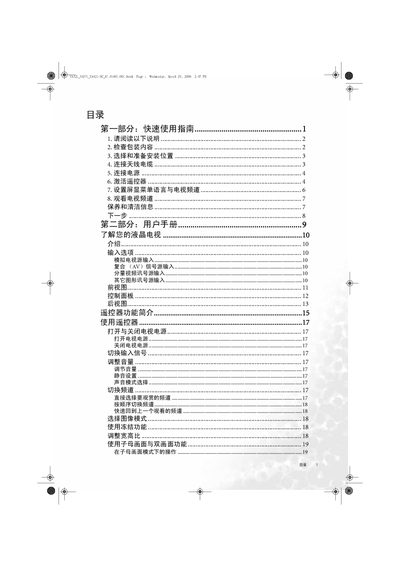
This quick start guide walks you through the essential steps to get your BenQ VA321/VA371/VA421 LCD TV up and running. It includes checking the package contents, selecting a safe installation location, connecting antenna, power and video sources, and activating the remote control.
The guide also explains how to set the on‑screen menu language, select TV channels, use picture modes, and provides a troubleshooting section for common issues such as power problems, signal loss, and image quality concerns. This manual is written in Chinese.