
This document is a quick start guide and user manual for BenQ VP1901 color LCD TV/color LCD display. It includes installation steps for the TV, instructions for using the remote control, precautions for connecting external devices, and operation of the on-screen menu.
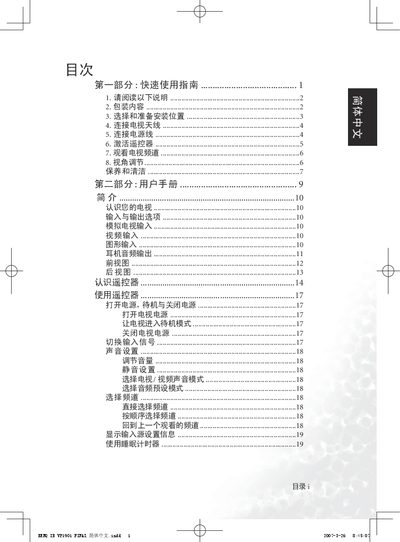
The guide begins with a quick‑use section that walks you through unpacking, positioning the TV, connecting the antenna, power cable and activating the remote control. It also explains how to select channels, adjust volume, and set picture modes.
The second part serves as a user manual covering the TV’s inputs, remote functions, viewing‑angle adjustment, troubleshooting advice and environmental compliance information. This manual is written in Chinese.
| Viewing angle adjustment range | Vertical: forward 3°, backward 10°; Horizontal: ±75° |
|---|
Plug the antenna or cable TV line into the TV’s antenna (TV) input on the rear of the unit and ensure the connection is secure.
The TV can be tilted forward 3°, backward 10°, and rotated left or right up to 75°.