
Key facts
- Brand
- Saitek
- Model
- ST290
- Documents
- 2
- Languages
- EN
- Last added
- 2012-03-21
Start here
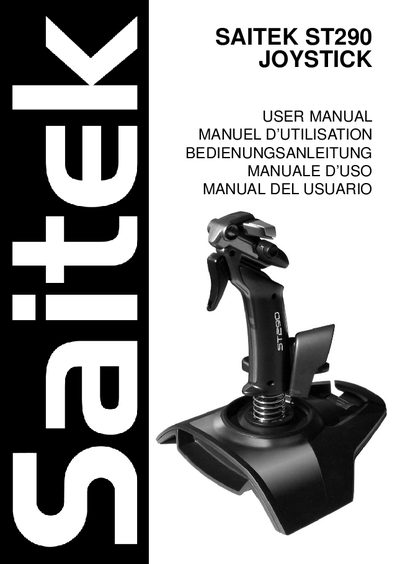
Saitek ST290 Joystick User Manual
The Saitek ST290 is an adjustable, ambidextrous gaming joystick featuring a palm rest, precision trigger, five fire buttons, a lever throttle, and a 4‑way POV hat switch. It is designed for optimal comfort and control across a range of hand sizes.
This manual covers installation on Windows XP, 2000/Me, and 98, programming via Saitek Smart Technology software, troubleshooting, technical support contacts, warranty terms, and FCC compliance information.
Saitek ST290 specifications
| Palm Rest Adjustability | Adjustable |
|---|---|
| Precision Trigger | Yes |
| Fire Buttons | 5 |
| Lever Throttle | Yes |
| POV Hat Switch | 4‑way |
All Saitek ST290 documents by type
Day-to-day operation, settings and troubleshooting. Start here if the product is already set up.
Questions answered in these manuals
How do I install the Saitek ST290 on Windows XP?
Plug the joystick into a USB port, let Windows detect it, then open Control Panel → Game Controllers, select Saitek ST290, and use the Test tab to verify all controls.
What is the warranty period for the Saitek ST290 joystick?
The warranty lasts for 2 years from the date of purchase, provided the product is used according to the instructions.