
This is a user manual for the Philips voice recorder, which introduces the features and functions of the product, including clear voice, instant one-touch recording, MP3 format recording, high-speed USB 2.0 data transfer, voice-activated recording, USB mass storage, and organizing recordings.
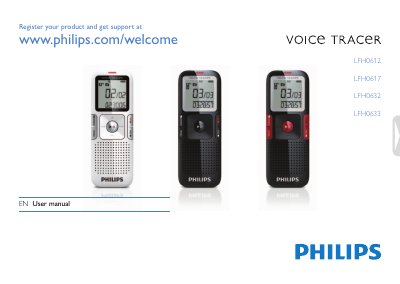
The Voice Tracer digital recorder from Philips lets you capture audio in MP3 format with features such as ClearVoice enhancement, voice‑activated recording, and USB mass‑storage transfer. This manual walks you through unpacking, battery installation, power control, and basic operation.
Key sections cover safety guidelines, detailed recording and playback steps, customization of settings, firmware updates, and a full technical data sheet. A FAQ at the end helps troubleshoot common issues such as power‑on problems and HOLD mode.
| Headphones jack | 3.5 mm, Impedance: 16 Ω or above |
|---|---|
| Microphone jack | 3.5 mm, Impedance: 2.2 kΩ |
| USB interface | High‑speed USB 2.0, mini‑USB port |
| Display | LCD / segment, 34.5 mm (1.4") screen |
| Memory capacity | 1 GB NAND Flash |
| Recording format | MPEG‑1 Layer 3 (MP3) |
| Bit rate (HQ mode) | 64 kbit/s |
| Recording time (SLP mode) | ≈277 hours |
| Speaker output power | 110 mW |
| Battery type | AAA/LR03 Alkaline (1 unit) |
| Dimensions (W×H×D) | 38 mm × 105 mm × 16.4 mm |
| Weight (incl. battery) | 55 g (0.12 lb) |
| Operating temperature | 5 °C – 45 °C (41 °F – 113 °F) |
The battery may be flat or inserted incorrectly; replace it with a new one and ensure proper polarity.
Slide the HOLD switch down to the Off position to disengage the keypad lock.
Delete some recordings or transfer them to an external device to free up space.
Yes, it appears as a removable USB mass‑storage drive and works without additional software.