
Instruction manual that introduces how to assemble, install and use V-Series M2NC61S ASUS PC (Desktop Barebone).
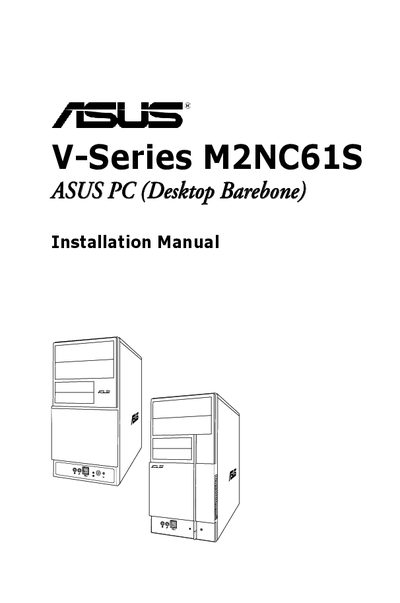
This guide provides step‑by‑step instructions for assembling the ASUS V-Series M2NC61S barebone system, including installing the CPU, memory, storage devices, and expansion cards. It also details front‑panel and rear‑panel connectors, power‑up procedures, and how to install the operating system from the support CD.
Additional sections cover motherboard layout, jumper settings, BIOS setup, password protection, and tools for updating the BIOS using ASUS EZ Flash 2. Safety warnings and FCC/ICES compliance information are included to ensure proper installation and operation.
Press the ASUS EZ Flash 2 option in the BIOS Tools menu and follow the on‑screen instructions to update the BIOS.
In the BIOS setup, go to the Password Check field and select the option to require a password before entering the BIOS or the system.