
ASUS V-Series M2V890 ASUS PC (Desktop Barebone) is a desktop computer
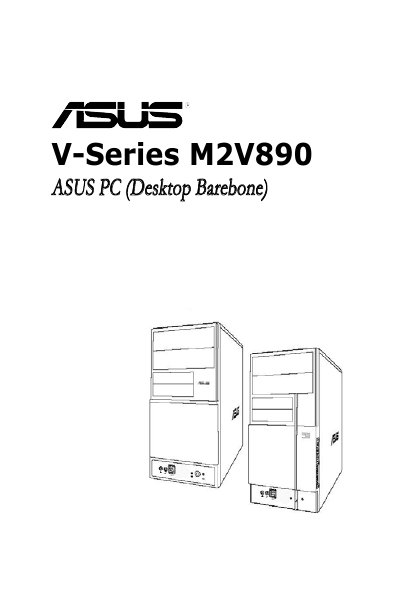
This guide describes the ASUS V-Series M2V890 barebone desktop system, covering its front and rear panels, internal components and motherboard layout. It is intended for experienced users and system integrators who need detailed instructions for assembling and configuring the PC.
The document is organized into chapters on system introduction, basic installation of CPU, memory, storage and expansion cards, starting up the system, motherboard details, and BIOS configuration. Safety precautions, FCC/ICES compliance statements, and troubleshooting tips are also included.
| SouthBridge Chipset | VIA VT8237A |
|---|---|
| PCI Express x1 Slot | Present |
| PCI Express x16 Slot | Present |
| Memory Type | DDR2 DIMM |
In the BIOS Setup you can choose the password check mode: set it to [Setup] to require a password only when entering the Setup utility, or set it to [Always] to require a password both at Setup and at system boot.