
This document describes the features and characteristics of the Vintage-AH1 Barebone System produced by ASUSTeK COMPUTER INC.
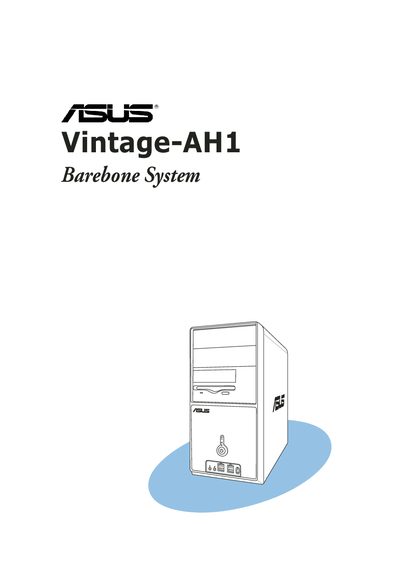
This manual covers the ASUS Vintage-AH1 barebone system, describing its front and rear panels, internal components, and system features. It includes step‑by‑step instructions for installing CPUs, memory, expansion cards, storage devices, and connecting peripherals.
Additional sections explain how to power up the system, use the support CD, configure BIOS settings, and follow safety and regulatory guidelines such as FCC and Canadian compliance, battery handling, and laser safety.
| Laser classification | Class 1 |
|---|---|
| FCC compliance | Class B digital device |
Disconnect the power cable from the electrical outlet before moving the system.
Select the "Exit & Discard Changes" option and confirm when prompted.