
ASUS P5G965 ASUS PC (Desktop Barebone) is a desktop barebone from ASUS.
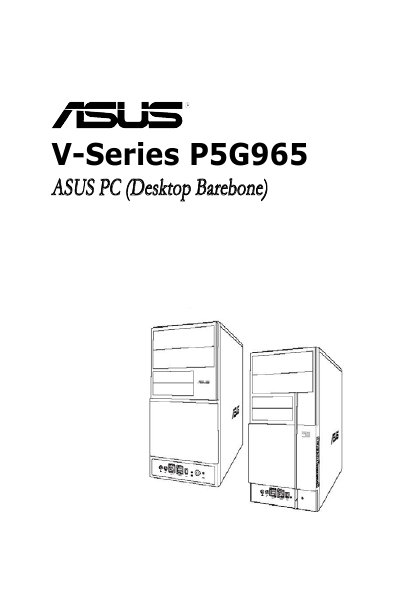
This manual covers the ASUS V-Series P5G965 barebone system, describing its front and rear panels, internal components, and system features. It guides users through basic installation steps such as installing the CPU, memory, storage devices, and expansion cards.
Additional sections explain how to power up the system, use the support CD, configure BIOS settings, and comply with FCC and safety regulations. The document is intended for experienced users and integrators who have hardware knowledge of personal computers.
Disconnect the power cable from the electrical outlet before moving the system.
Shielded cables must be used for the monitor‑to‑graphics‑card connection.
Replace it only with the same or equivalent type recommended by the manufacturer and dispose of the old battery according to the manufacturer’s instructions.