
This is a document about the quick installation guide for the English Vintage V2-AH2 Barebone System, which describes the rear panel and front panel features of the system, as well as the layout of internal components.
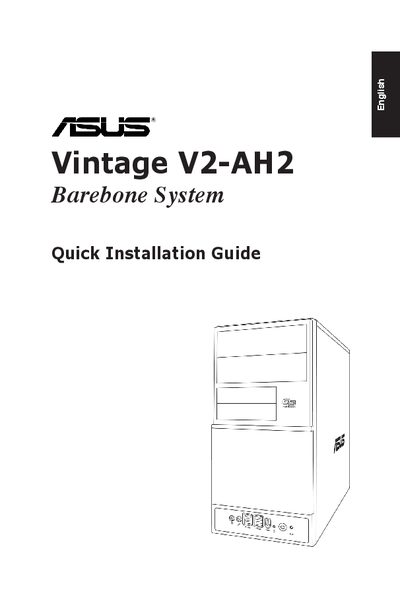
This guide walks you through the physical installation of the ASUS Vintage V2‑AH2 barebone system, covering front and rear panel features, voltage selector settings, and step‑by‑step procedures for installing the CPU, CPU fan, DIMM modules, expansion cards and storage drives.
It also includes instructions for removing and re‑installing side covers, front panel assemblies, and drive‑bay covers, with safety cautions and connector details for both SATA and IDE drives.
| Voltage selector | 115 V / 230 V |
|---|---|
| 5.25‑inch drive bay | present |
| 3.5‑inch drive bay | present |
For SATA drives, connect the SATA signal and power plugs; for IDE drives, connect the IDE signal and power plugs to the back of the drive.