
The document provides information on the features and characteristics of the ASUS Vintage-S800 product.
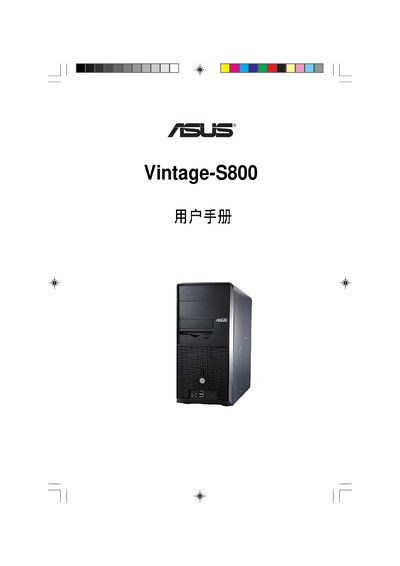
This manual covers the system overview, safety precautions and step‑by‑step installation of the ASUS Vintage‑S800 desktop. It explains how to remove the case side panel, install the CPU, memory, storage devices and configure the BIOS.
Later sections describe motherboard jumper settings, BIOS utilities such as AFUDOS and EZ Flash, and power management options. The document ends with detailed BIOS exit procedures and default‑load instructions. This manual is written in Chinese.
| Legacy Diskette Drive | 1.44 MB, 3.5 in. |
|---|---|
| IDE Interface | Primary/Secondary IDE Master/Slave |
| USB Configuration | Supported |
Refer to section 2.2.1, which describes the step‑by‑step removal of the case side panel.
Use the AFUDOS utility or EZ Flash as described in sections 5.1.2 and 5.1.4.