
This is a manual for the VINTAGE2-AE1 motherboard, which details the motherboard's features, installation and usage methods
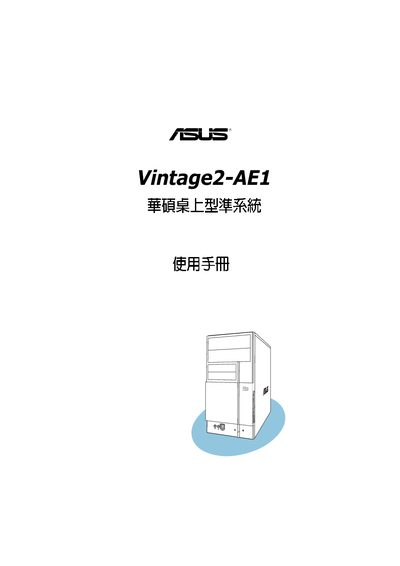
This manual begins with a system overview that describes the main features and components of the ASUS Vintage2-AE1 motherboard. It then guides the user through basic installation, including hardware connections, component placement, and initial power‑on procedures.
Subsequent sections cover detailed motherboard information, BIOS setup utilities, and a comprehensive list of safety precautions to follow before operating the system. The document also includes troubleshooting tips and instructions for updating the BIOS firmware. This manual is written in Chinese.
Select the Exit menu option and choose either “Exit & Save Changes” or “Discard Changes” to leave the BIOS setup.
Before powering on, check all connections, keep the device in a dry environment, avoid short circuits, and never open the case while power is applied.