
This is a user manual for V-Series V2-PE2 ASUS PC (Desktop Barebone)
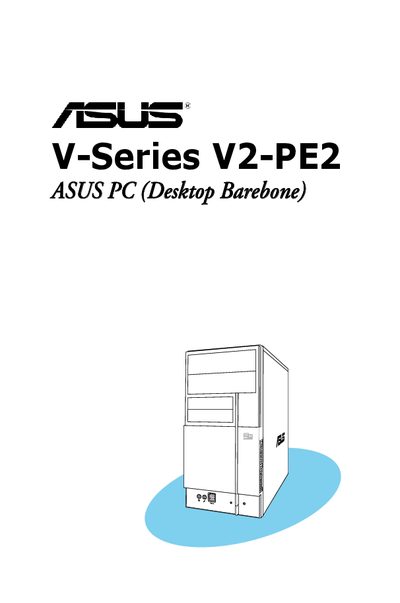
This guide covers the ASUS Vintage V2-PE2 barebone system, detailing its front and rear panels, internal components, and supported hardware such as DDR2 DIMM memory and PCI Express slots. It includes step‑by‑step installation procedures for the CPU, memory, storage devices, and expansion cards.
Additional sections explain how to power up the system, use the support CD, configure BIOS settings, and follow safety precautions required for handling the hardware and complying with FCC and Canadian regulations.
| Memory type | DDR2 DIMM |
|---|---|
| Expansion slots | PCI Express x1, PCI Express x16 |
| Expansion slots | PCI Express x1, PCI Express x16 |
| BIOS utility | AwardBIOS Flash utility |
You can clear it by erasing the CMOS Real Time Clock (RTC) RAM as described in the password section.
Disconnect the power cable from the electrical outlet to prevent electrical shock before relocating the system.