
This document is about the Vintage-PH1 Barebone System manufactured by ASUSTeK COMPUTER INC. in 2005. The document describes the features and characteristics of the product.
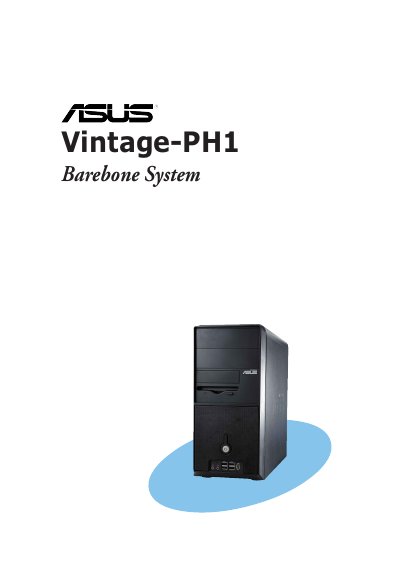
This guide covers the ASUS Vintage-PH1 barebone system, describing its features, front and rear panels, and internal components. It includes step‑by‑step instructions for installing the CPU, memory, expansion cards, storage devices, and connecting cables.
Additional sections explain how to power up the system, use the support CD, configure BIOS settings, and follow safety and regulatory information such as FCC Class B compliance and battery handling warnings.
| FCC compliance | Class B digital device |
|---|
Select the Password Check option, set it to [Setup] or [Always], and follow the same steps as when setting the password.
Choose the “Exit & Save Changes” option from the Exit menu and confirm the prompt to store the selections in the CMOS RAM.