
This document is the user guide for the QIP2500 series set-top terminal. It includes precautions and safety warnings for using the set-top terminal. The set-top terminal has features to prevent electric shock and fire hazards, and it does not have user-serviceable parts inside the non-removable cover. The document also provides guidance on product installation and repairs.
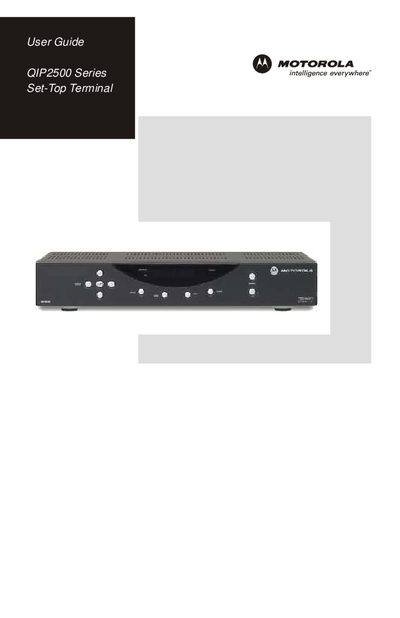
The guide introduces the QIP2500 digital set‑top terminal, describing its high‑definition audio/video capabilities, electronic program guide (EPG), Pay‑Per‑View, Video‑on‑Demand, remote control, parental controls, and optional USB 1.1 connectivity. It explains how to connect the unit to a TV, VCR, or home‑theater receiver and outlines the basic operation of the remote and EPG features.
Safety warnings emphasize the risk of electric shock and fire, requiring users not to remove the cover, to keep the unit dry, and to use only the supplied polarized plug. Installation must be performed by qualified personnel and follow local codes. The troubleshooting section lists steps to resolve common video problems, such as checking power, input selection, and cable connections.
| USB connectivity | USB 1.1 |
|---|