
This manual introduces the functions and usage methods of QIP6200/QIP64xx series set-top terminals' high-definition watch and record DVR.
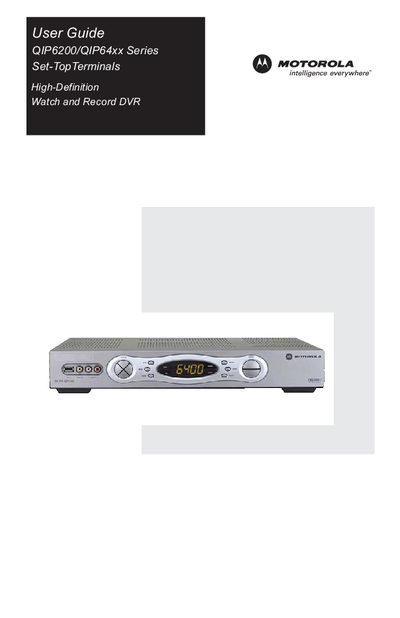
This guide provides safety instructions, regulatory information, and licensing details for the Motorola QIP6200/64xx set‑top terminals. It explains proper installation, grounding, and cautions to prevent electric shock or fire hazards.
The manual describes how to operate the device, including power control, channel changes, volume adjustment, electronic program guide, and DVR functions for QIP64xx models. It also covers video and audio connection options, user‑settings for high‑definition output, and troubleshooting tips for common issues such as picture distortion or humming noises.
| FCC classification | Class B digital device |
|---|
Do not remove the cover, do not use the polarized plug with an extension cord, and refer servicing to qualified personnel.
Check the User Settings menu and set the 4:3 Override option to something other than Stretch.