
This manual describes how to use the DVDR-3460, including connecting it to other devices, recording and playing back discs.
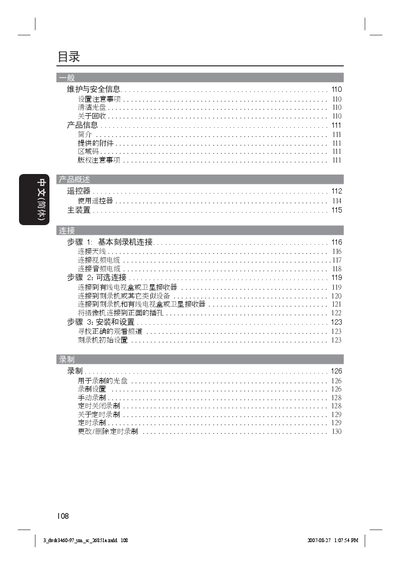
This manual provides safety information, installation steps, and detailed operating instructions for the Philips DYDR 3460 DVD player. It covers remote‑control functions, menu navigation, playback controls, and troubleshooting tips.
The document also includes panel symbols, region‑code handling, and technical specifications such as required ventilation clearances and supported audio/video formats. This manual is written in Chinese.
| Ventilation clearance (rear and top) | at least 0.5 cm (4 inches) |
|---|---|
| Supported DVD region codes | Multiple regions (region‑code handling required) |
Press the STANDBY‑ON button on the remote control.
Use the CLEAR function on the remote control to erase stored data.