
This document provides instructions on the installation and use of the Philips wired multimedia keyboard, as well as troubleshooting tips.
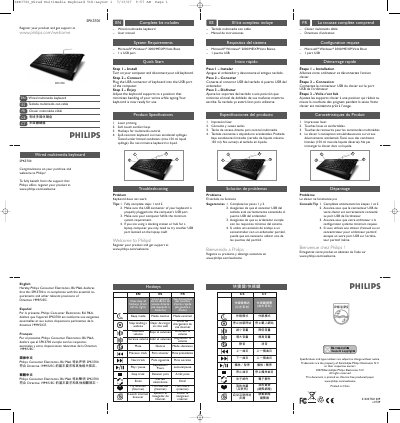
The SPK3700 is a wired multimedia keyboard from Philips, featuring soft‑touch keys, built‑in hotkeys for media control, and a spill‑resistant design. It is intended for use with Windows‑based computers that have a USB port.
The manual includes a quick‑start guide with three installation steps, a full list of hotkey functions, system requirements, product specifications, environmental and compliance information (RoHS, FCC), and a troubleshooting section that addresses common issues such as the keyboard not working.
| Printing capability | Laser printing |
|---|---|
| Key feel | Soft‑touch comfort keys |
| Hotkeys | Multimedia control hotkeys |
| Spill resistance | Survives accidental spillages (up to 150 ml) |
Turn on the computer, disconnect the old keyboard, plug the USB connector of the SPK3700 into a USB port, then adjust the keyboard supports for comfortable typing.
Make sure steps 1 and 2 are fully completed, verify the USB connector is properly plugged in, and ensure the computer meets the minimum system requirements.
The keyboard includes hotkeys for volume control, mute, previous/next track, play/pause, stop, email, launch browser, and other multimedia functions.
Yes, the keyboard is spill‑resistant and can survive accidental spills up to 150 ml of liquid.