
This document introduces the safety and troubleshooting information of Philips LCD display.
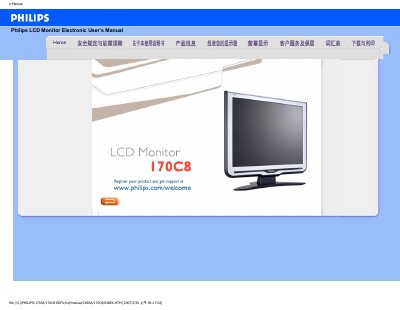
This electronic user manual covers safety measures, common questions, fault troubleshooting and regulatory information for the Philips 170C8 17‑inch LCD monitor. It guides users through installation, screen adjustment, and how to use the OSD controls.
Additional sections explain compatibility with other devices, LCD technology basics, ergonomics, environmental standards and detailed product specifications. The manual also includes a download/print guide and warranty information. This manual is written in Chinese.
| Screen size | 17" |
|---|---|
| Panel type | TFT LCD |
| Resolution | 1280 x 1024 pixels |
| Pixel pitch | 0.264 x 0.264 mm |
| Vertical refresh rate | 56‑76 Hz |
| Horizontal frequency | 30‑83 kHz |
| Video dot rate | 140 MHz |
| Effective display area | 337.9 x 270.3 mm |
Set the display mode to 1280 × 1024 at 60 Hz as recommended for the Philips 17‑inch monitor.
Use a soft, fine cloth for routine cleaning; for a thorough clean, use isopropyl alcohol. Do not use ethanol, acetone or other solvents.
For LCD monitors the refresh rate is not critical; a stable 60 Hz display provides a flicker‑free image.
Press the AUTO (Auto) adjustment key to restore optimal screen position, phase and sync without using the OSD menu.